

Android Auto has been a game changer for drivers since its launch in 2015, offering navigation, music, and hands-free calling directly through your car’s dashboard screen. But what many car owners don’t realize is that the platform can be extended far beyond its standard app offerings through a technique called sideloading. If you own a compatible vehicle and run Android 9.0 or later, you can unlock additional functionality that Google doesn’t officially promote, giving your car’s infotainment system capabilities you probably didn’t know were possible.
The official Android Auto experience includes access to Google Maps, Waze, music streaming services, and messaging apps through the standard Google Play Store. However, tech-savvy users have discovered that using navigation and audio apps on Android Auto becomes seamless when you understand the platform’s full potential. To go beyond what’s officially available, you’ll need to enable developer settings on your Android phone, which involves navigating to your Android Auto app settings, finding the version information section, and tapping it multiple times until a developer menu appears. Once you enable Unknown sources, your phone will accept installations from sources outside the Play Store.
How to Start Sideloading Apps Safely
The gateway to sideloading Android Auto apps is an application called Android Auto Apps Downloader, or AAAD. This tool lets you discover and install third-party apps designed to work with Android Auto, and you install it by downloading an APK file and running it on your phone. After granting the necessary permissions, AAAD presents you with a curated list of compatible apps ready for installation. The free version allows one download every 30 days, though a one-time payment of approximately $4.65 removes this limitation.
Three Essential Sideloaded Apps Worth Your Time
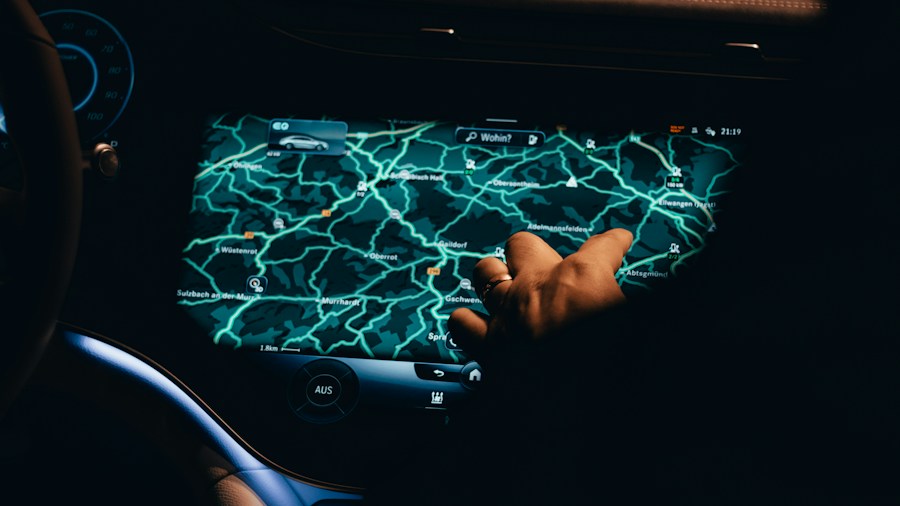
CarStream brings YouTube video playback to your Android Auto experience. While Google announced YouTube support for Android Auto, no official release date has materialized. CarStream fills that gap by letting you stream YouTube videos on your car’s infotainment display, search for content, manage playlists, and control playback using your vehicle’s volume knobs. This feature shines when you’re parked, waiting to pick someone up, or charging your vehicle. CarStream works on Android 9 and later, though it’s not compatible with Android 15 due to recent changes Google made to how the platform handles third-party applications.
Screen2Auto takes the concept further by mirroring your entire phone screen to your car’s display. This approach is more versatile than CarStream because it allows virtually any Android app to function on your infotainment system, not just video streaming services. The app intelligently switches to landscape mode when launched, making the experience feel native to your car’s hardware. You can watch YouTube, browse social media, or access any app you’d normally use on your phone, all controlled from your dashboard. Screen2Auto represents a solid workaround if other solutions don’t work with your specific vehicle or Android version.
AABrowser adds full web browsing capabilities to Android Auto, requiring Android 15 or later. This browser lets you visit websites, search the web, and even type directly from your car’s touchscreen using an on-screen keyboard. You can also use the AABrowser companion app on your phone to enter URLs and continue browsing on your infotainment display. It’s a practical addition for drivers who need quick information without reaching for their phone, though using these features safely requires discipline about only accessing them while parked.
What This Means for Shoppers
If you’ve been considering whether to invest in a car with Android Auto compatibility or upgrade your vehicle’s infotainment system, knowing about sideloading capabilities adds significant value to the decision. These hidden features come at minimal or no cost, depending on which apps you choose to install. For commuters who spend considerable time in their vehicles or frequently wait in parking lots, the ability to expand Android Auto’s functionality transforms your car into a more versatile entertainment and information hub.
However, it’s crucial to understand that all sideloaded apps carry some risk, as they don’t undergo Google’s official review process. Additionally, features like screen mirroring and web browsing should never be used while driving. Compatibility can vary depending on your specific Android phone model, vehicle manufacturer, and Android OS version. Before investing time in sideloading, verify that your car actually supports Android Auto and check that your phone runs a compatible Android version. The payoff for early adopters who want more from their car’s technology is genuine, but it requires a bit of technical knowledge and responsibility.











Write Your Review
No reviews yet. Be the first to share your experience!