

Apple CarPlay has revolutionized how drivers navigate and stay connected on the road, allowing iPhone users to access maps, messaging, and music directly from their vehicle’s dashboard. However, owners increasingly report a frustrating side effect: accelerated battery drain. As CarPlay functionality expands with newer features and integrations, understanding why your battery depletes faster during use has become essential for anyone who depends on their iPhone while driving.
Why CarPlay Taxes Your iPhone’s Battery
When you activate CarPlay, your iPhone simultaneously manages multiple power-intensive tasks. Navigation apps like Google Maps and Waze continuously communicate with external servers to pinpoint your location, calculate optimal routes, and deliver real-time traffic updates. This constant data exchange, combined with active Bluetooth and Wi-Fi connectivity, creates significant drain on your battery.
Beyond navigation, most drivers multitask while behind the wheel. You might stream podcasts, play music from a subscription service, make hands-free calls, or send text messages. Each of these activities pulls additional power. In 2025, Apple introduced expanded CarPlay capabilities including new applications, ambient music widgets, and artificial intelligence features that further increase the computational load on your device. For drivers with longer commutes or frequent road trips, this compounding effect can reduce your iPhone’s battery from full to critically low within hours.
Wired CarPlay: The Battery Solution
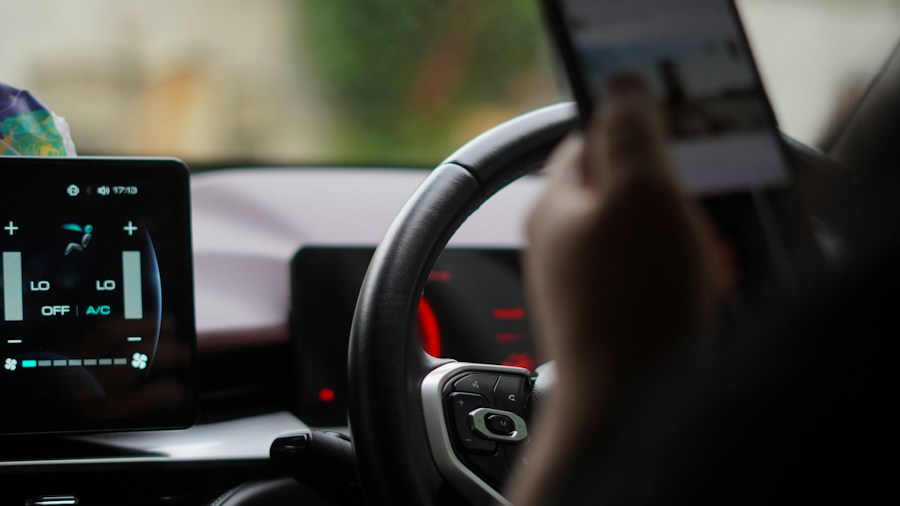
While wireless CarPlay offers convenience, switching to a wired connection provides multiple advantages that directly address battery concerns. A physical USB cable delivers power while simultaneously transmitting data, keeping your iPhone charged throughout your drive. Beyond battery benefits, wired connections offer more stable performance, superior audio quality, and faster data transmission speeds compared to wireless alternatives.
Car-specific cables designed for extended reach make the transition straightforward. Options like coiled cables reduce tangling and fit neatly in your vehicle’s interior. For iPhone owners, standard Lightning cables in various lengths from 3 feet to 6 feet support fast charging and maintain reliable data speeds at 480 Mbps or higher. These cables typically retail between fifteen and twenty dollars and often feature coil designs that collapse when not in use, minimizing dashboard clutter.
As automotive manufacturers continue updating their systems, CarPlay compatibility remains a key selling point for new vehicles. Investing in a quality wired setup ensures you can take full advantage of these features without worrying about depleted battery by your destination.
Diagnosing Other Battery Drain Culprits
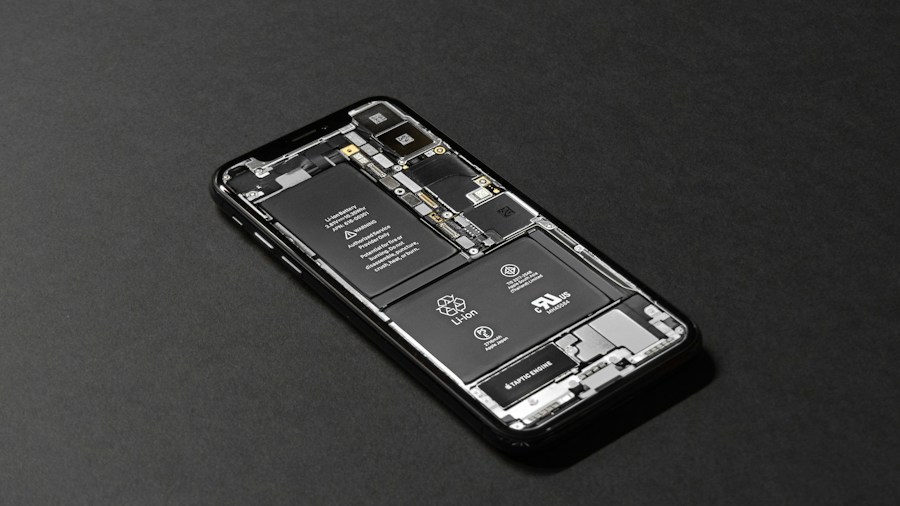
Not all battery depletion during drives stems directly from CarPlay itself. Several other applications running simultaneously might be responsible for faster drain. Social media apps like Instagram and YouTube consume substantial power through constant video streaming and background refreshes. Certain location-based services and cloud sync functions also contribute significantly.
To identify which apps actually drain your battery most aggressively, check your iPhone’s battery usage statistics. Navigate to Settings, then Battery, and review the detailed list of applications and their power consumption during your recent drive. This diagnostic approach helps you distinguish between CarPlay-related drain and power consumption from other sources. You might discover that a particular music streaming service or social media app bears responsibility for unexpectedly low battery levels.
Staying informed about upcoming CarPlay updates helps you prepare for changes in battery impact. Apple regularly adds features, and understanding how new capabilities work allows you to make informed decisions about which functions to enable during your drives.
Making Your Choice as a Shopper
For consumers deciding between wireless and wired CarPlay, battery longevity should factor heavily into your decision. If you frequently take long drives, rely on navigation in areas with poor cellular coverage, or use multiple apps simultaneously while driving, the modest investment in a quality wired setup pays dividends through reliable charging and consistent performance.
The transition back to wired connectivity need not feel like a step backward. Modern car cables are engineered for durability, aesthetic appeal, and practical function. Wired connections consistently outperform wireless options in reliability and stability, particularly during extended trips where connection drops become problematic.
Ultimately, acknowledging that wireless technology carries trade-offs empowers you to make choices aligned with your actual driving needs. By understanding the mechanisms behind battery drain and exploring straightforward solutions, you transform a potential frustration into a manageable aspect of modern vehicle ownership.











Write Your Review
No reviews yet. Be the first to share your experience!